


Tests with Ragas metrics
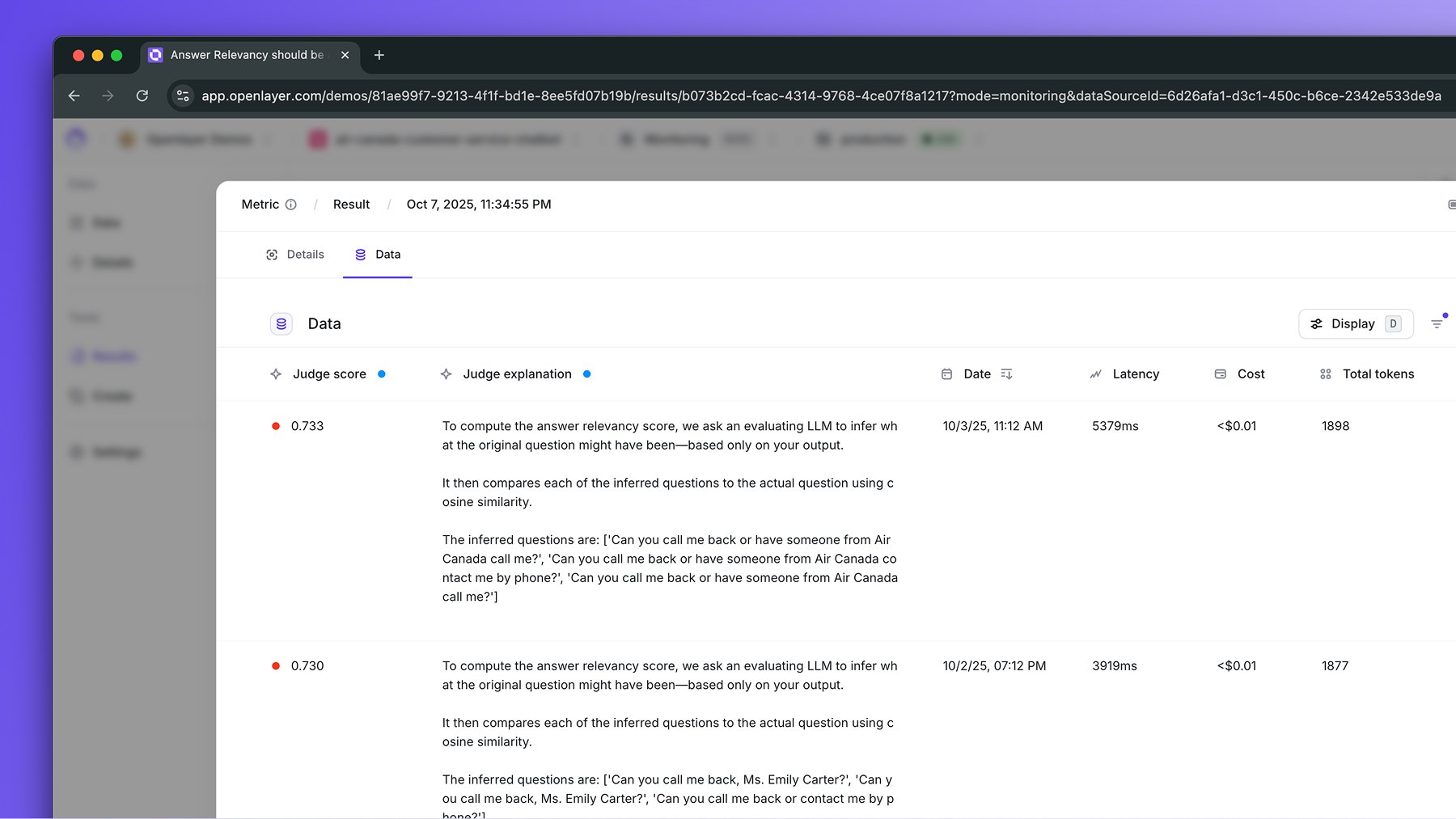
When evaluating LLM projects, you can leverage any of the Ragas metrics to create detailed tests. Each test provides:- A pass/fail status.
- Row-by-row scoring and justification, provided by the LLM judge.
Configuring the LLM judge
Every Ragas metric relies on an LLM judging your data, and they all use your project’s LLM-as-a-judge settings. To review them, go to project Settings → LLM-as-a-judge, where you can:- Choose the Default LLM that computes the metrics, and use Test connection to confirm Openlayer reaches it.
- Add Custom judge instructions, which the judge follows while scoring each row.
- Adjust the Sampling settings, which control how data is sampled when computing LLM-based metrics. Ragas metrics are sampled the same way as every other LLM-judge metric in the project.
OPENAI_API_KEY for
OpenAI, or
ANTHROPIC_API_KEY for
Anthropic, for example. If
the key is missing, Openlayer skips the metric and asks you to add the missing secrets to
your workspace settings or update the project’s LLM evaluator settings.
Metrics available
The Ragas metrics available on Openlayer listed below.Which input is the question
Metrics that need theinput column score one input variable as the question. If you set an explicit question column, such as questionColumnName in the config when you publish data through the REST API, Openlayer always uses that column.
Without an explicit question column, Openlayer picks the input variable that most looks like the user’s question: chat-style message lists first, then multi-word text, then other strings. It never picks numeric, boolean, date/time, or empty columns, or a column already used as the output, context, or ground truth. If no input variable holds text, Openlayer skips the metric instead of scoring it.