

Workspace-level environment variables
Workspace-level environment variables are shared across all projects in your workspace. To set them, navigate to Settings → Environment. The page has three tabs: Pre-defined variables, Secret variables, and Plain variables.Pre-defined variables
Openlayer provides pre-defined fields for commonly used API keys, grouped by provider (OpenAI, Azure OpenAI, Anthropic, AWS Bedrock, Cohere, Google, Groq, Mistral, and Other), with a link in each group to that provider’s page for where to find the keys:OPENAI_API_KEYANTHROPIC_API_KEYAZURE_OPENAI_API_KEYAZURE_OPENAI_ENDPOINTGOOGLE_API_KEY
TYPESAFE_API_KEY— authenticates Jev-as-a-judge. Openlayer resolves the key from the project, then the workspace, then a platform key. A platform key still runs the test, and the rows are judged through Openlayer’s TypeSafe account. If no key resolves, the test is skipped.
Secret and plain variables
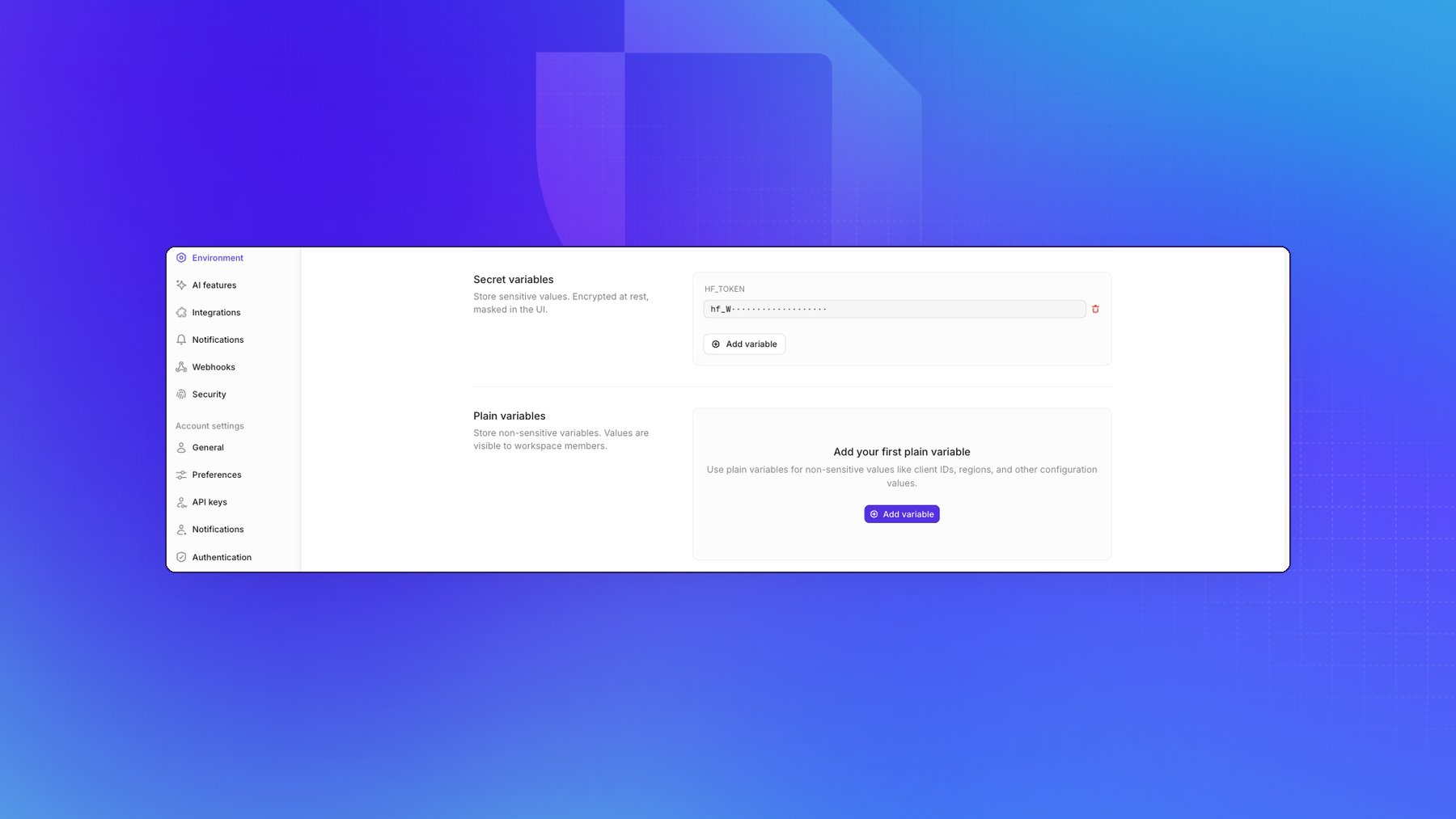
Beyond the pre-defined fields you can add your own variables, in two kinds:
New variables are secret unless you add them under Plain variables. A secret value can be
replaced but never read back, so use plain for anything a teammate may legitimately need to look up,
and keep credentials secret.
Custom CA certificates
If your organization uses custom Certificate Authority (CA) certificates for secure connections, you can add them as environment variables using theCUSTOM_CA_CERT_* pattern.
To add a custom CA certificate:
- Navigate to Settings → Environment (or your project’s Settings → Environment for project-specific certificates)
- Add a new custom variable with a key starting with
CUSTOM_CA_CERT_, followed by a descriptive suffix (e.g.,CUSTOM_CA_CERT_INTERNALorCUSTOM_CA_CERT_CORPORATE) - Paste your CA certificate content as the value (in PEM format)
- Development mode: Your custom certificates will be used when running scripts and code in the development mode commit environment
- LLM evaluators: The certificates will be trusted when running LLM-based tests and evaluations, ensuring secure connections to your LLM providers
You can add multiple custom CA certificates by creating multiple environment
variables with different suffixes (e.g.,
CUSTOM_CA_CERT_1,
CUSTOM_CA_CERT_2, etc.). All certificates matching the CUSTOM_CA_CERT_*
pattern will be trusted.Project-level environment variables
Project-level environment variables work the same way as workspace-level ones, but are specific to a single project. They are only used during development mode runs, LLM-based tests, and Jev-as-a-judge tests within that project. To set them, open your project and navigate to Settings → Environment. The page manages variables that are scoped to this project, in the same three tabs as the workspace page: Pre-defined variables, Secret variables, and Plain variables. Use Add variable to add one — an empty tab reads Add your first secret variable.A project value overrides the workspace value, which overrides a
deployment-level variable on self-hosted deployments. On the project page, a
pre-defined variable with no project value but a workspace value shows
Inherited from workspace. One that has its own project value while the
workspace also sets it shows Overriding workspace.
Verifying a provider key
The Environment page stores keys but doesn’t verify them. To check that a key reaches its provider, open your project and go to Settings → LLM-as-a-judge, which holds the defaults for LLM-based tests:- Default LLM judge — the default LLM for computing LLM-based metrics.
- Default LLM — a picker for the judge model, such as
OpenAI / gpt-4.1-mini-2025-04-14. Choose one of the predefined models it lists, or type a model name and choose Select. - Test connection — checks that Openlayer can reach the selected model.