

Available frameworks
You need the Update frameworks permission to activate, deactivate, or edit
an activation. Without it, these actions are disabled.
How to activate
1
Review the framework
Navigate to Governance > Frameworks and click any framework to open its overview.You’ll see a description of the standard, the total number of rules, a breakdown of platform rules vs. evidence-based rules, and current completion metrics across your workspace.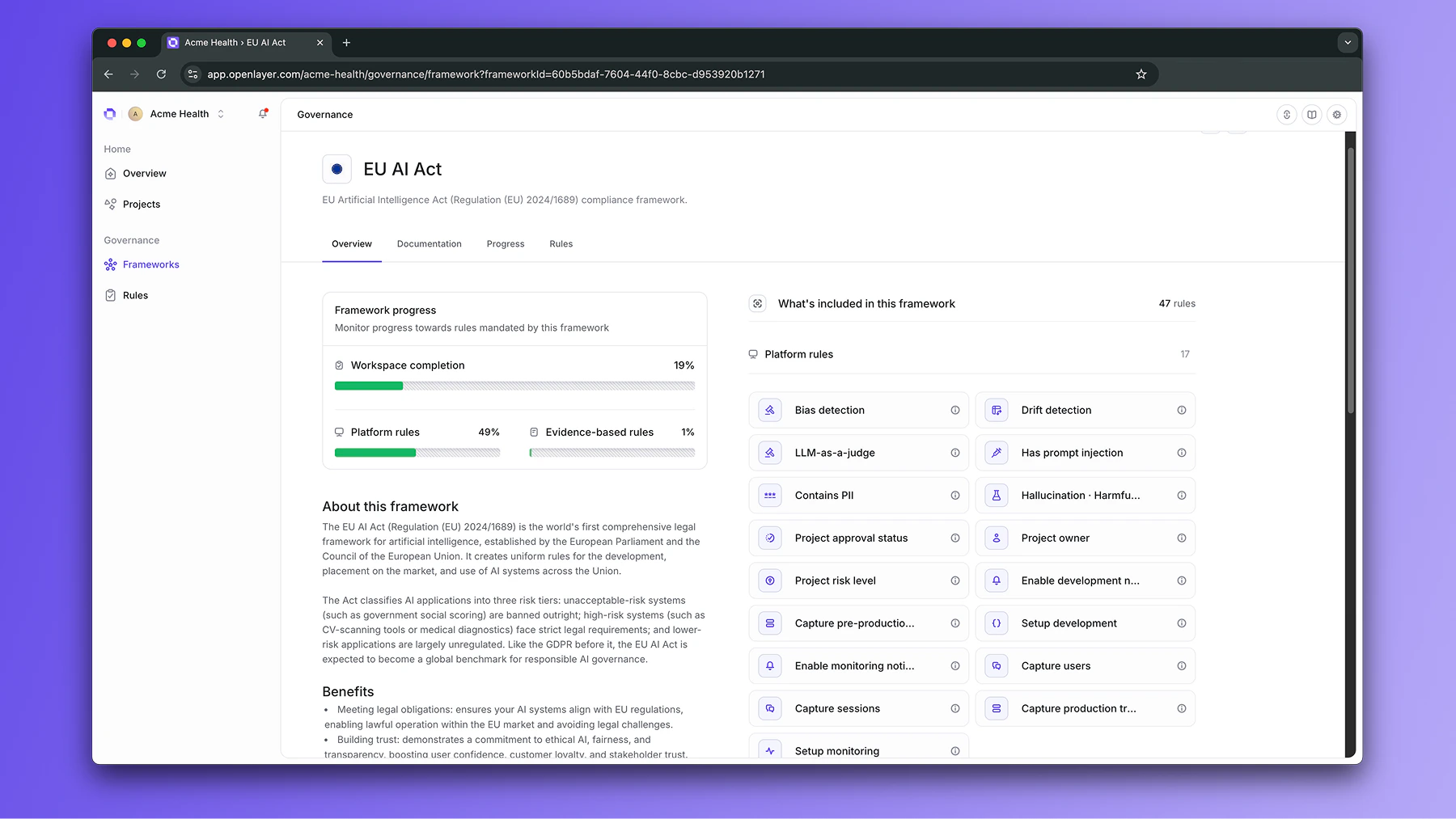
2
Choose current projects
Click Activate, then choose the existing projects that should follow the framework.
Your choices are pinned: changing a selected project’s properties later does not remove
the framework from it.
3
Optionally include future projects
Turn on Apply to future projects with to automatically apply the framework to new
projects by risk level, task type, or tags.These criteria apply only to projects created after you save the activation. An existing
project you leave unselected stays out, even if it matches now or later. With the switch
off, only the projects you picked are covered; Openlayer keeps the criteria but does not
apply them.Openlayer preserves criteria configured through the API that this form cannot display
and shows them as +N advanced criteria.
4
Optionally create framework tests
Turn on Automatic framework test creation to create the tests required by the
framework’s test-setup rules. Review the tests and clear any you do not want Openlayer
to create. At least one test must remain selected.The review identifies rules that still require manual setup, such as tests that need a
column, parameters, or a reference dataset. Drift tests are always created manually.
It also identifies tests that run LLM judges; these use each project’s configured judge
and contribute to its LLM-as-a-judge costs.
5
Apply the framework
Each covered project receives a compliance checklist in its Governance mode. If
automatic test creation is on, Openlayer creates missing selected tests in the current
projects and in matching projects that join later. Tests that already exist are not
duplicated.Development tests use manual thresholds. Monitoring tests use automatic thresholds
over a one-day window. A plan limit can prevent an individual test from being created
without stopping the other eligible tests.