

Create a group
Groups are created inline, wherever you pick one. When you create an API key or an invite, type a new name in the Group picker and the group is created on the spot. Existing keys can be moved onto a group from the API keys table.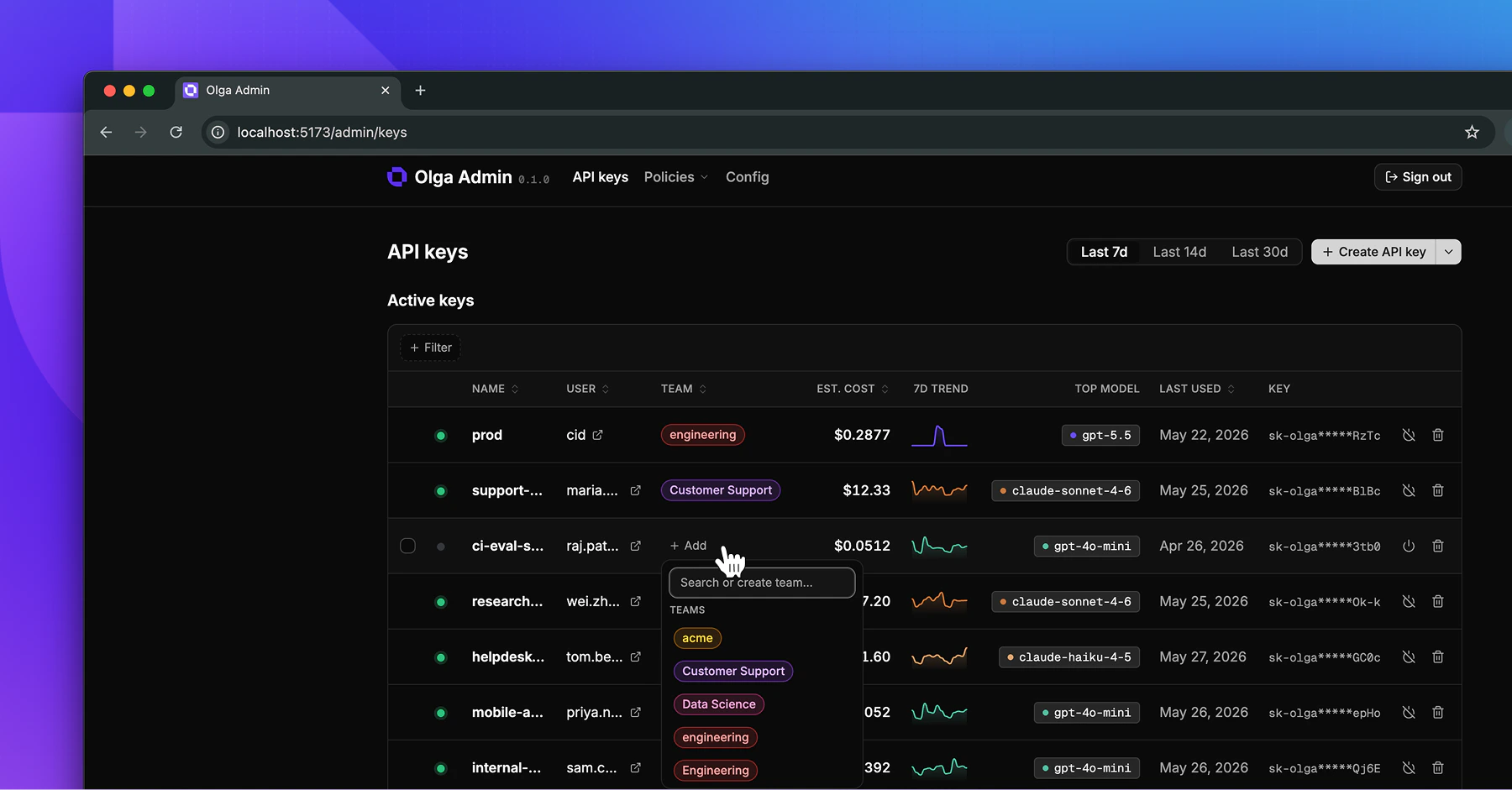
How group rules combine with key rules
Usage limits and guardrails can target a single key or a whole group. When both exist, both apply:- A group limit caps the combined usage of every key in the group.
- A key limit caps that one key, on top of any group limit.