

Send an invite
From the create menu on the API keys page, choose Send invite link and set:- Group (optional): the group the new key joins, so it inherits that group’s usage limits and guardrails.
- Per-key limits (optional): usage limits that apply to the key this invite creates. Group limits, if any, apply on top.
- Expiry: how long the link stays valid, from 1 to 90 days (7 by default).
What the recipient sees
They open the link, enter their name and an optional user ID, and get their API key on the spot, shown only once. The key arrives already attached to the group and usage limits you chose, so it’s governed from its first request. They never see your other keys or the admin portal.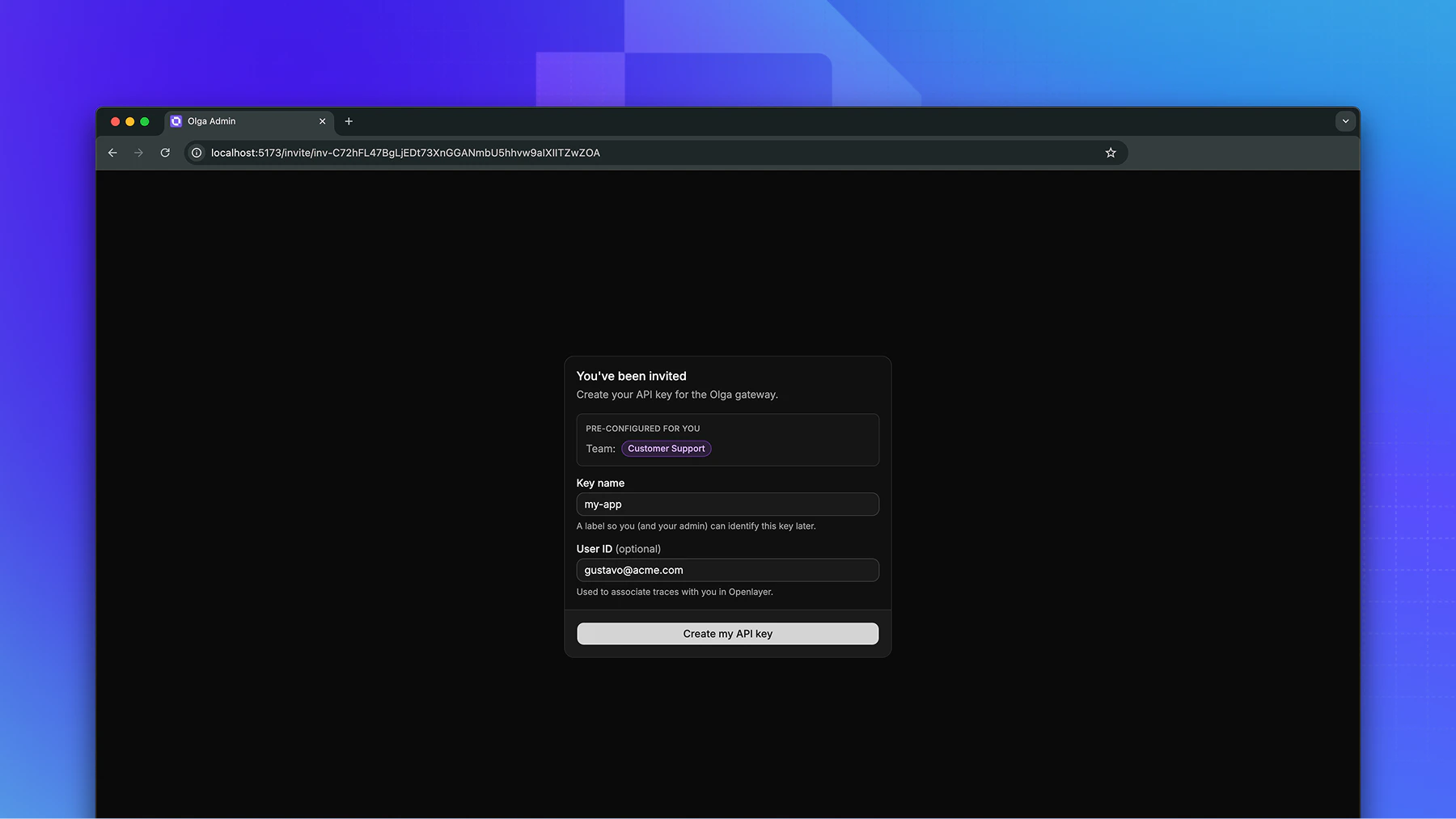
Manage invites
Each invite is single-use and expires on its own. Before it’s redeemed, you can:- Revoke it, which disables the link immediately.
- Delete it to remove it entirely.