

Definition
The column drift test allows you to select a dataset column, specify a drift detection method, and set a threshold for the drift score. Drift is measured by comparing the selected column on the current dataset with a reference dataset.- In development projects, the training set is used as the reference and the validation set as the current dataset.
- In monitoring projects, the reference dataset is uploaded by the user and the production data is the current dataset.
If you want Openlayer to automatically find the best drift detection method
and threshold, you can use the Feature
drift, and Label
drift tests instead.
Taxonomy
- Task types: LLM, tabular classification, tabular regression, text classification.
- Availability: and .
Why it matters
- Measuring drift is crucial to maintain the relevance of your models. In development, it allows you to ensure that the data you use to validate your model is similar to the data you used to train it. In monitoring, it allows you to detect when the data your model is receiving is different from the data considered as reference.
- Over time, changes in the underlying data distribution can degrade the performance of your model. Measuring drift helps in identifying these changes early, enabling timely updates or retraining of the model to maintain its performance.
Drift detection methods
One of the parameters that you must pass to the column drift test is the drift detection method. This is the method that will be used to compare the specified columns in the datasets and compute a drift score, which is what you apply a threshold to.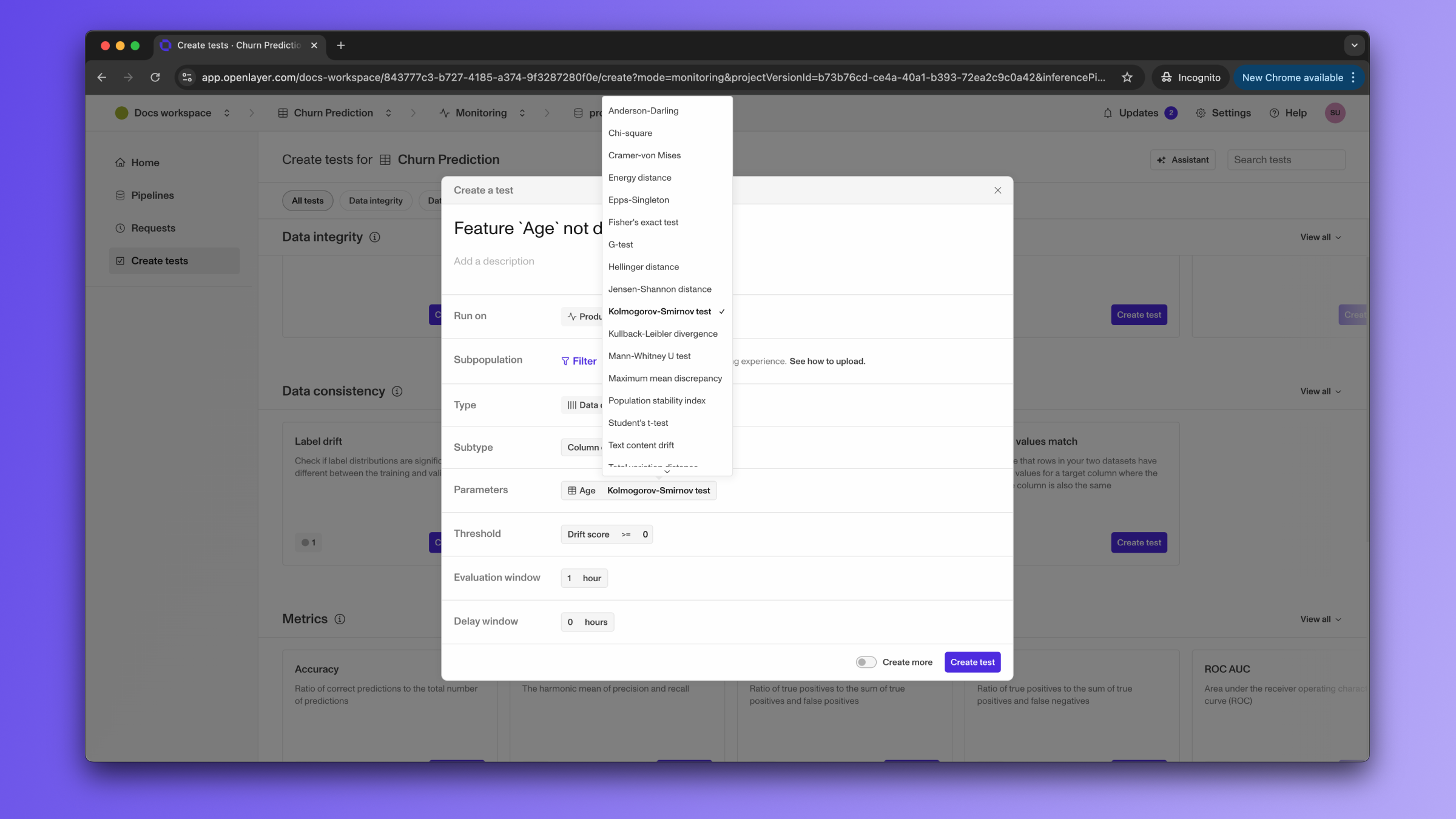
Test configuration examples
If you are writing atests.json, here are a few valid configurations for the character length test: